AI Pattern Desgin

for Ambitious Brands

Try AI Pattern Generator
All-in-one AI Pattern Desgin Platform - Save 60% Cost at Time & Budget Showcase

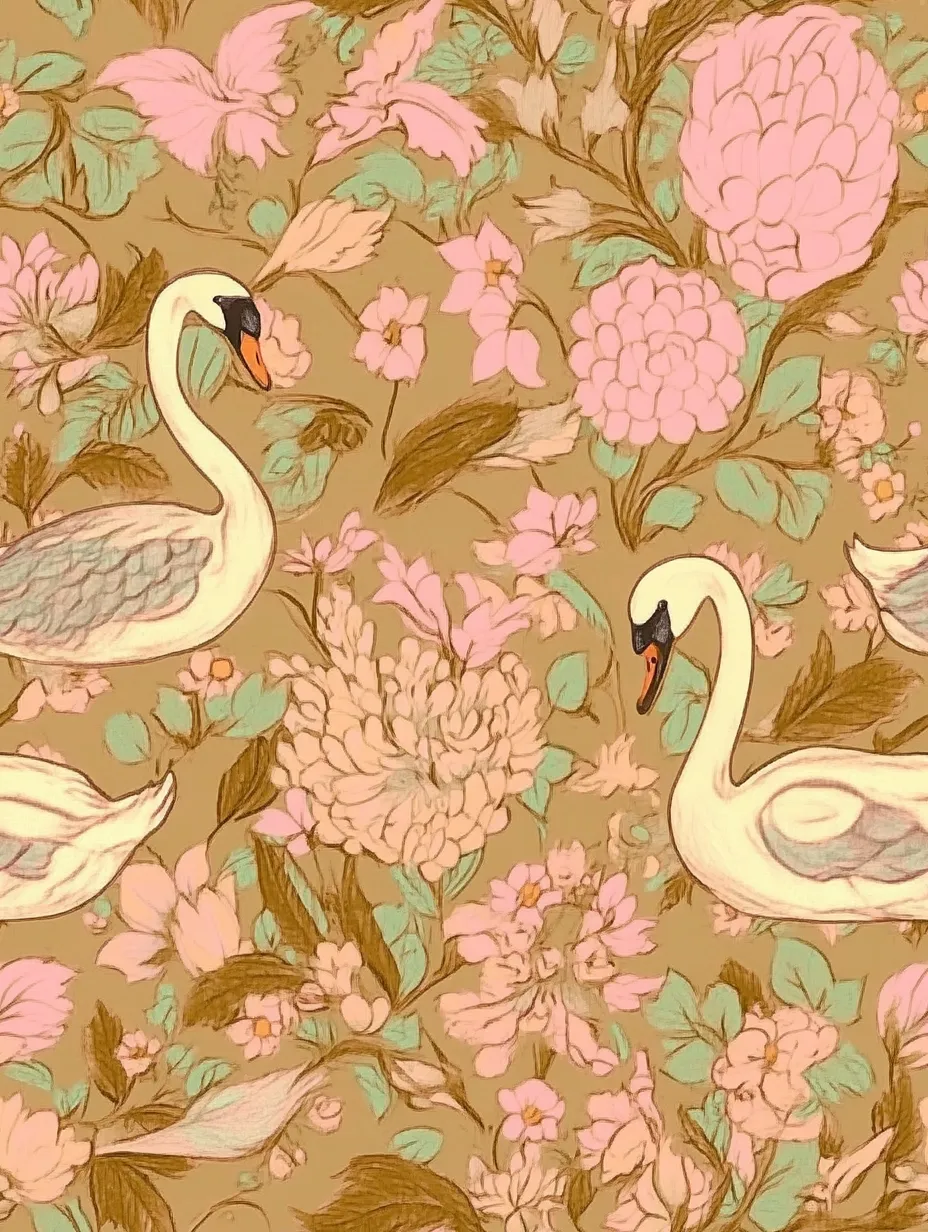
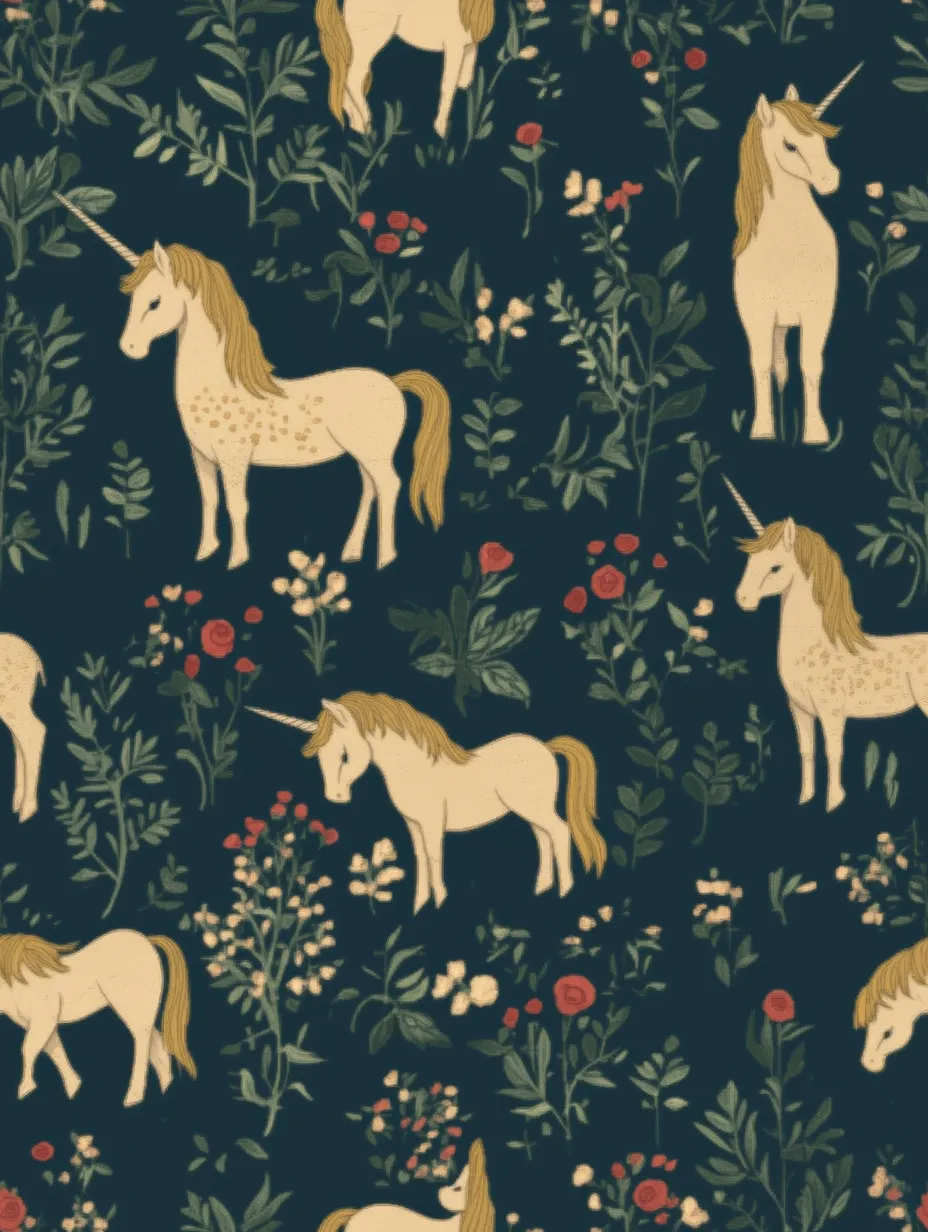
AI Pattern Gallery and Design Yours in Seconds

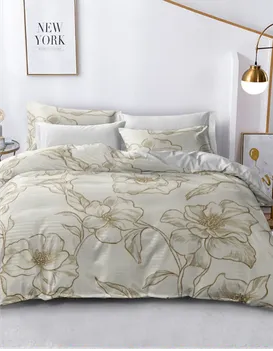
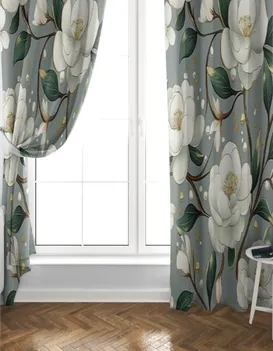
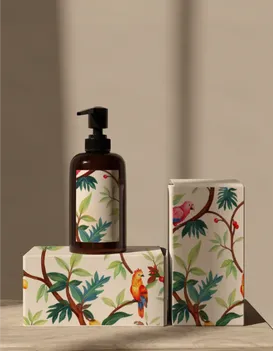
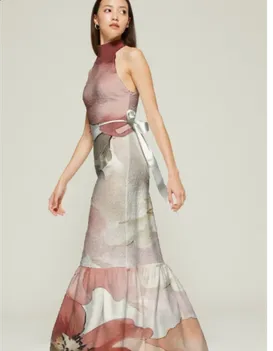
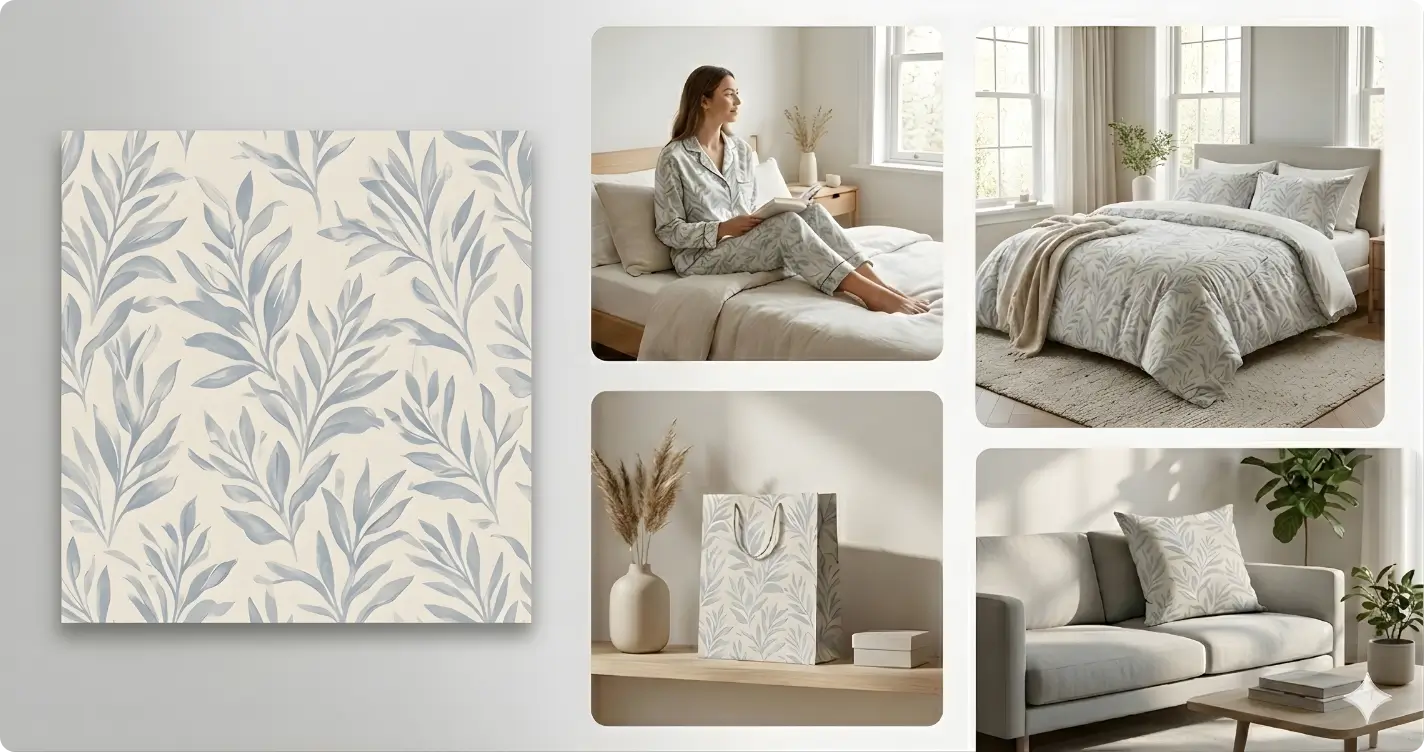
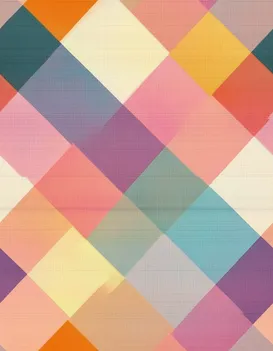
Creative Pattern Mockup

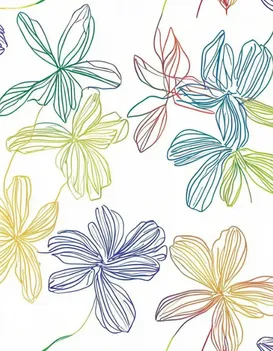
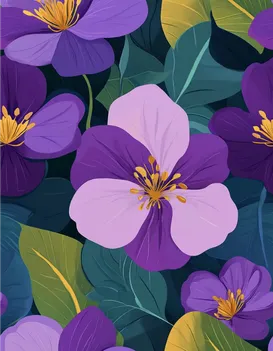
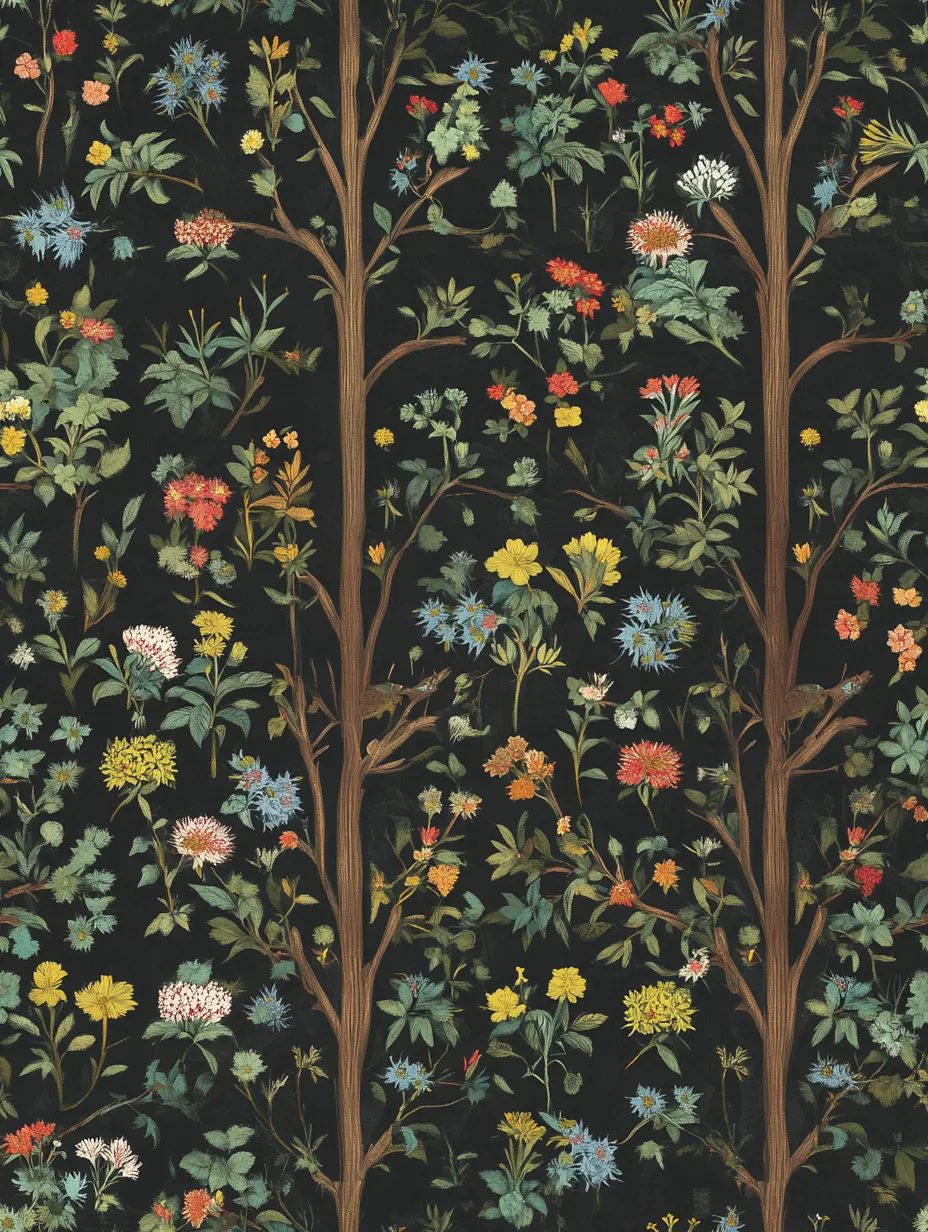
Maxi Floral Pattern

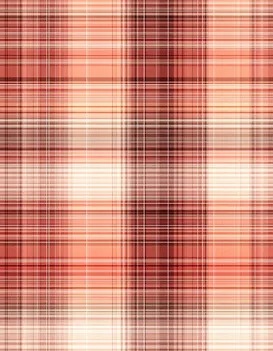
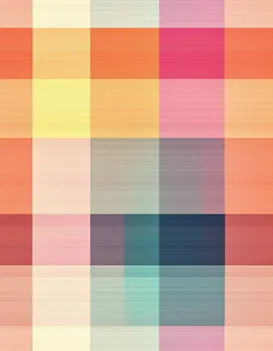
Inspiring Colorful Checks

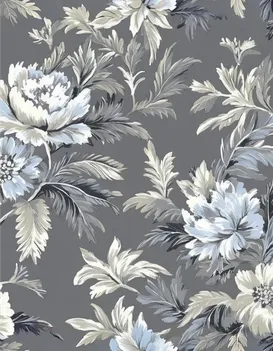
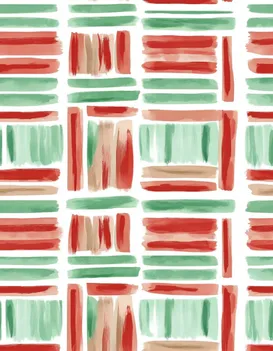
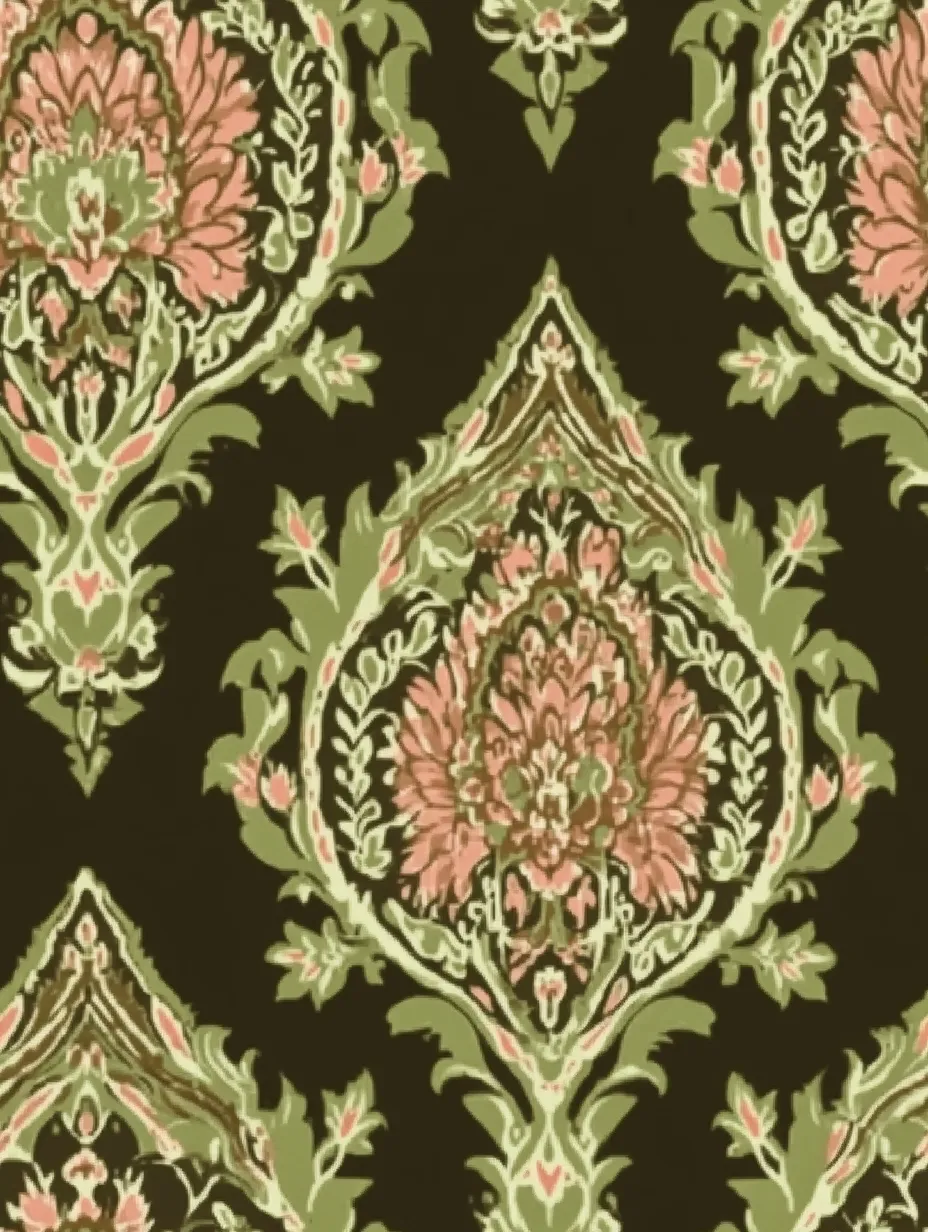
Magnificent Heirloom Pattern

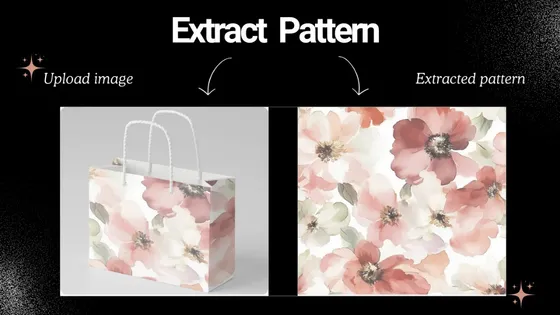
AI Pattern Extractor

Upload photos from fashion shows, magazines, e-commerce platforms, or personal shoots and extract patterns quickly with precision and clarity. The AI delivers clean, high-quality results with selectable aspect ratios like 1:1, 21:9, or 9:16. Switch between creative or similarity modes, and generate transparent backgrounds instantly for seamless use.
Extract pattern
AI Pattern Extractor Showcase
AI Pattern Generator Showcase

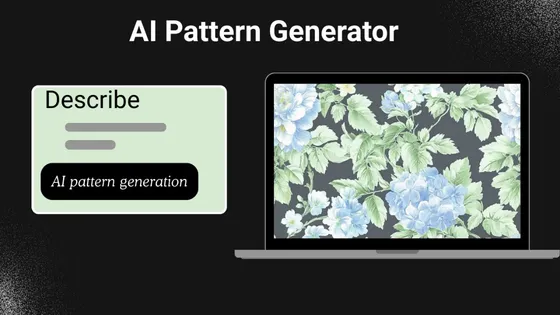
AI Pattern Generator

iCreat AI Pattern Generator helps you create original patterns fast, with rich creativity, multiple styles, and endless variations. Easily test market ideas at low cost without wasting time or money. Support text-to-image and image-to-image workflows, multiple AI models, and custom sizing—designed to amplify the joy of sewing with high-quality, made-to-fit results.
Generate pattern

AI Style Transfer

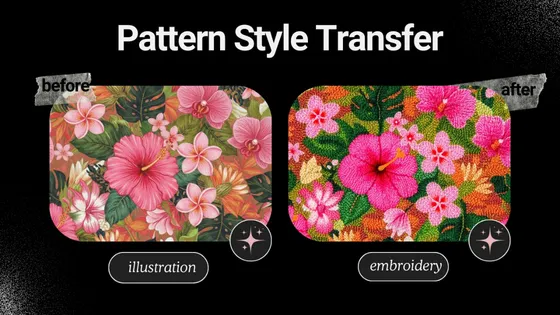
Our AI Style Transfer lets you transform images instantly with over 60 pre-defined styles, including 3D Cartoon, Embroidery, watercolor, etc. You can also create custom style blends to achieve a truly unique look. With one click, your visuals are reimagined with consistent quality, expressive detail, and striking artistic impact—no manual editing or design experience needed.
Transfer pattern style
AI Style Transfer Showcase
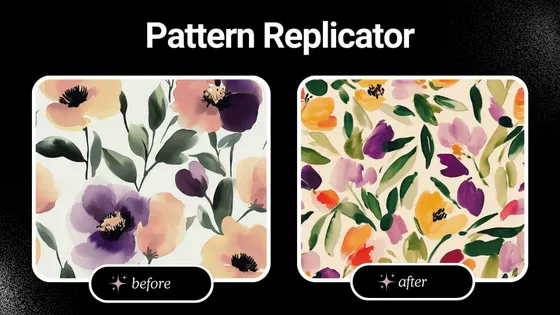
AI Pattern Replicator Showcase

AI Pattern Replicator

Stay aligned with market trends and user demand without long design cycles using iCreat AI Pattern replicator. Instead of spending hours or days revising, you can generate valuable pattern variations in one click. Each result remains refined, original, and commercially relevant—delivering high-quality, market-ready patterns in seconds.
Replicate pattern

AI Line Drawing Converter

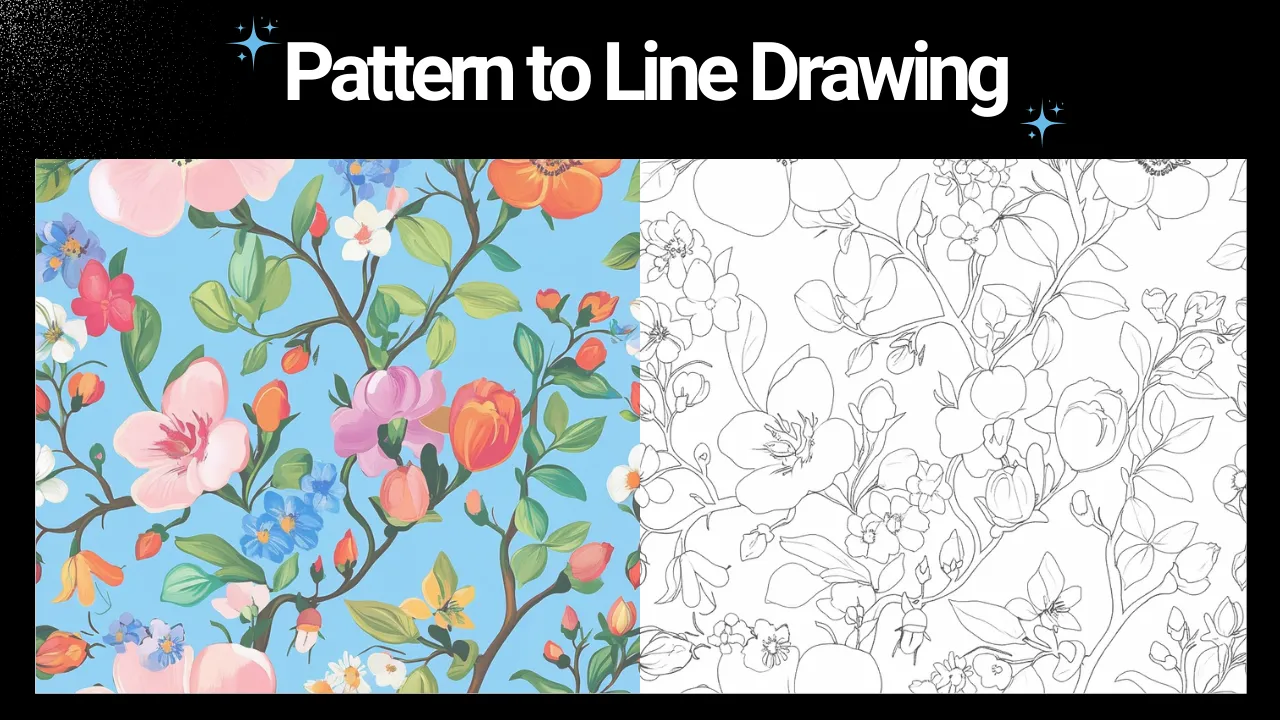
iCreat AI Line Drawing Converter turns any image into clean, continuous line art in just three simple steps. Within seconds, you get crisp, noise-free lines with no breaks, even for complex patterns like florals, leaf textures, or animal outlines. It supports all image formats, outputs PNG by default, and offers additional vector formats for versatile use.
Convert pattern to line drawing
AI Line Drawing Converter Showcase
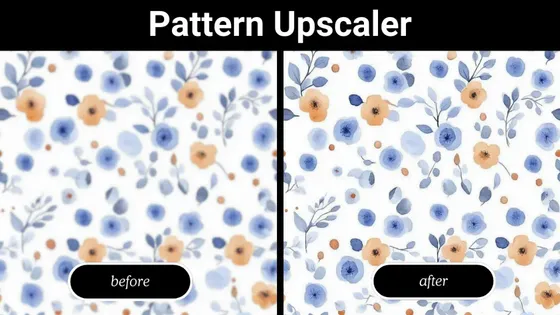
HD Pattern Upscaler Showcase

HD Pattern Upscaler

The HD Pattern Upscaler transforms low-resolution patterns into ultra-clear visuals up to 8K at 300 DPI and even 20K, without blur or distortion. AI intelligently rebuilds fine details, sharpens edges, and maintains texture integrity, making each pattern fully ready for professional printing and other high-precision production needs.
Upscale pattern

How to use iCreat AI Pattern Design Tools to Slash Workload

Select a Tool
Choose the AI tool that best fits your project—whether it’s pattern extractor, upscaling, replication, or style transformation.
Upload Your Image
Upload your original image or design. The AI will automatically process it to create high-quality patterns, textures, or enhanced visuals.
Download or Continue
Once your design is ready, you can download it instantly or continue exploring and using other tools in the toolkit for more creative possibilities.

Another 3 Image Editors to Simplify Pattern Design Process

FAQs

Set Your Hands Free and Design Creative Patterns to Sell Quickly

Start for free