
Upload an Accessory. AI Figures Out the Rest
Generate First Image Free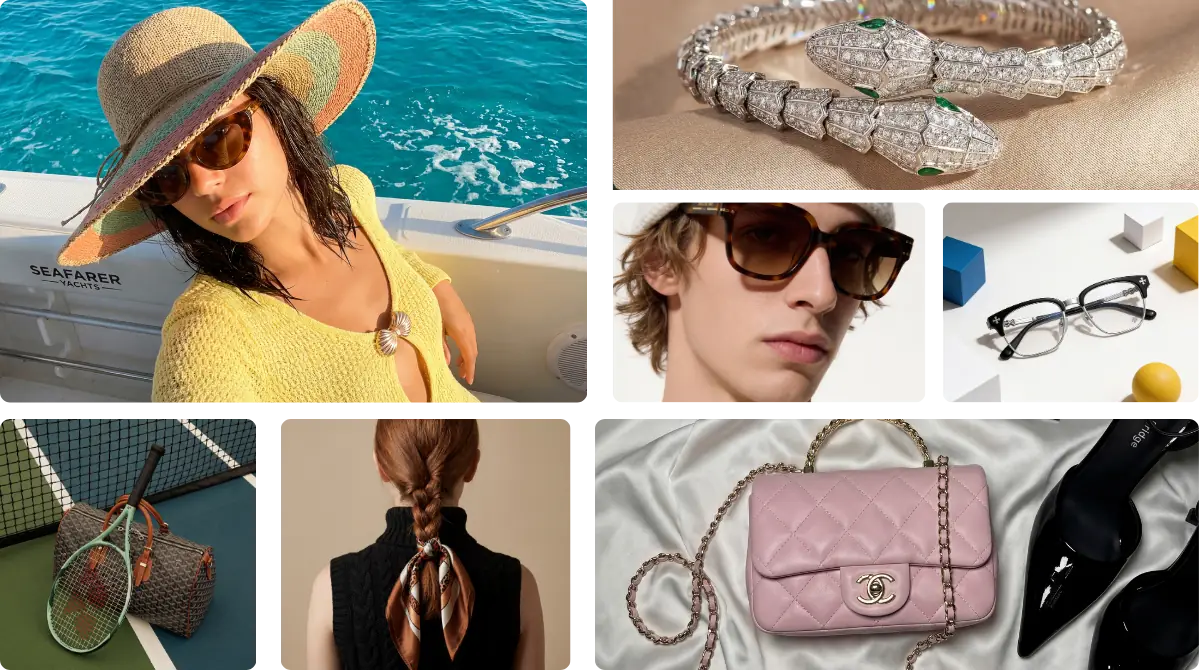
Smart Placement. Creative Control. Unlimited Scale.
AI Auto-Placement
Drop your photo in. The AI reads the accessory type and places it correctly — on an ear, wrist, neck, or shoulder — without you lifting a finger.
Template or Prompt
Use a template to swap your product in directly. Or edit the prompt to adjust the model, lighting, or mood. Both paths take under a minute.
No Upload Limits
Running a full catalog shoot? Upload as many reference images as you need — different angles, colorways, detail shots — and generate from all of them.
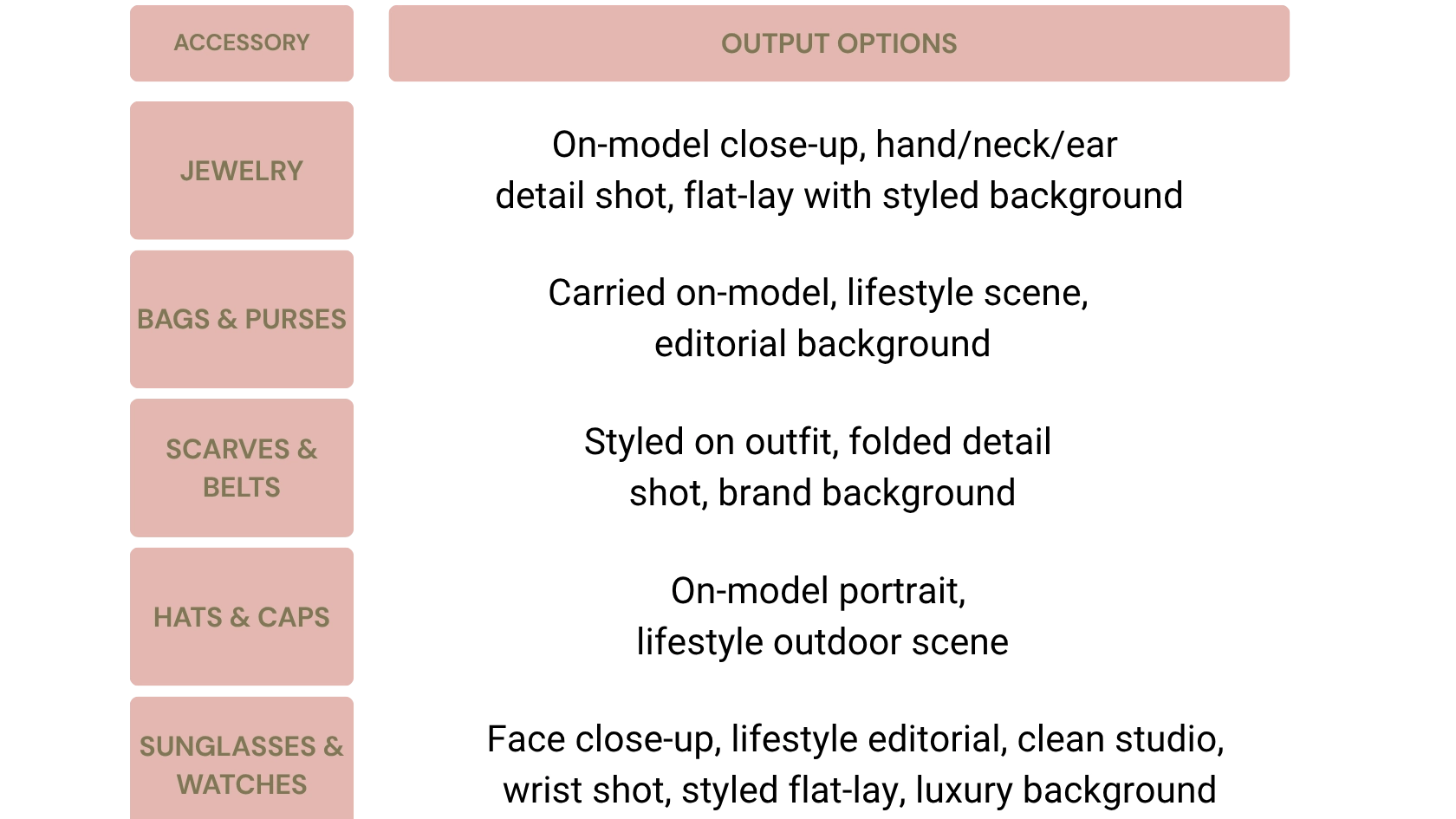
Every Accessory. Every Shot Type. One Tool.
On-model images convert up to 40% better than flat-lays on product pages. Accessory listings with styled backgrounds see higher click-through rates on marketplace search. Brands reducing photoshoot dependency report 80%+ reduction in production time.
How It Works
Pick Your Scene & Style
Browse our extensive library of accessory-ready templates. Whether you need a high-end jewelry close-up or a lifestyle street shot, find the aesthetic that matches your brand in seconds.
Upload & Auto-Place
Drop in your product photos. Our AI automatically identifies the accessory type and fits it perfectly onto the model's ear, neck, or wrist. No manual dragging required.
Customize & Download
Keep it as-is for a lightning-fast result, or refine the prompt to adjust the model’s look, lighting, or mood. Once you're happy, hit generate and download your high-res, commerce-ready image.
On-Model Shots Without the Model
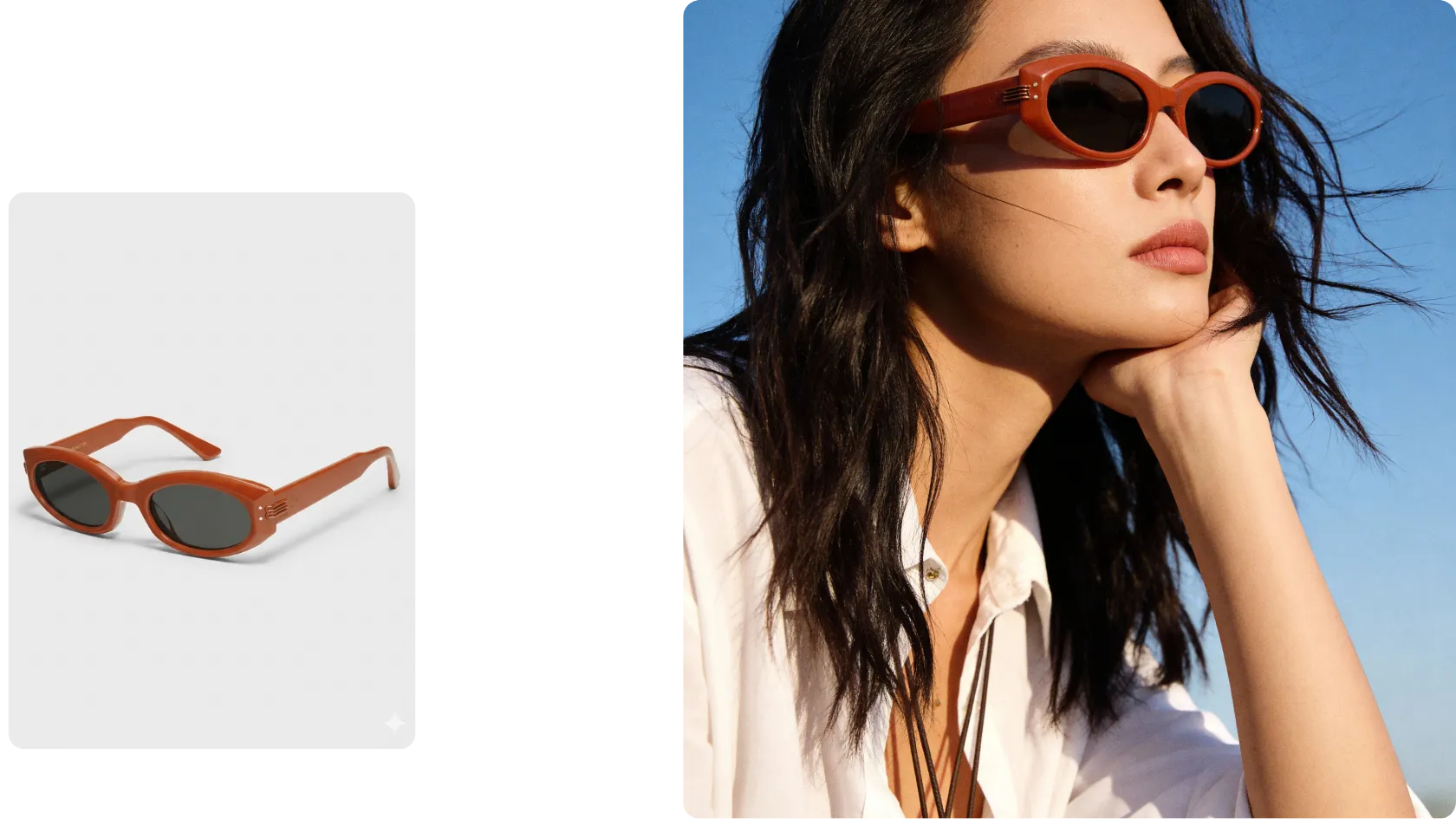
Show your accessories worn, not floating. Realistic on-body placements that help shoppers visualize fit, scale, and style — and buy with confidence.
Start FreeWorks for Every Accessory Type
Our AI doesn’t just "paste" images. It understands that a diamond ring needs refraction, a leather tote has weight, and a silk scarf follows the drape of a shoulder. Whether it’s the delicate clasp of a watch or the tint of sunglasses, we preserve the textures that sell your product.
Start Free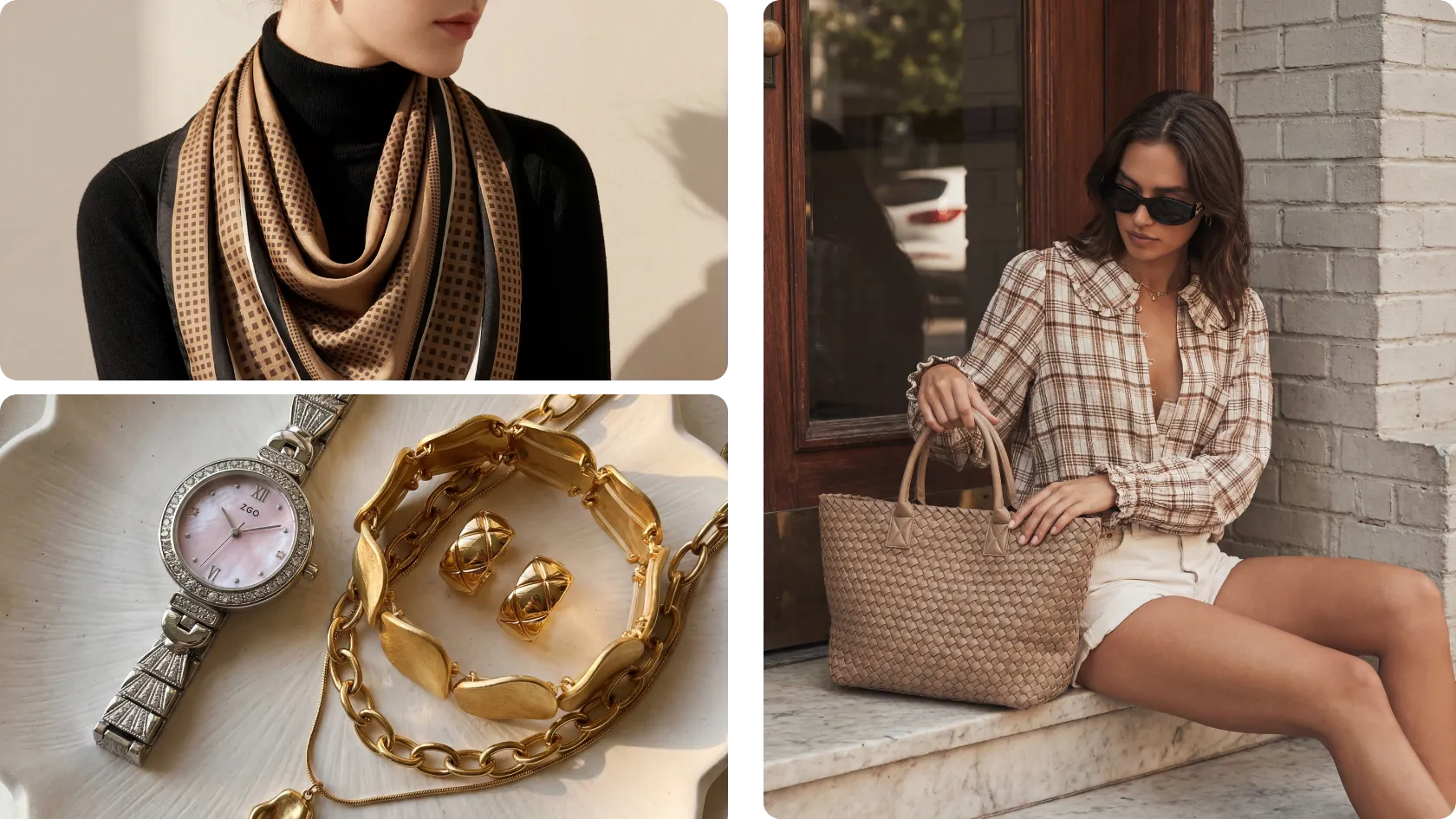
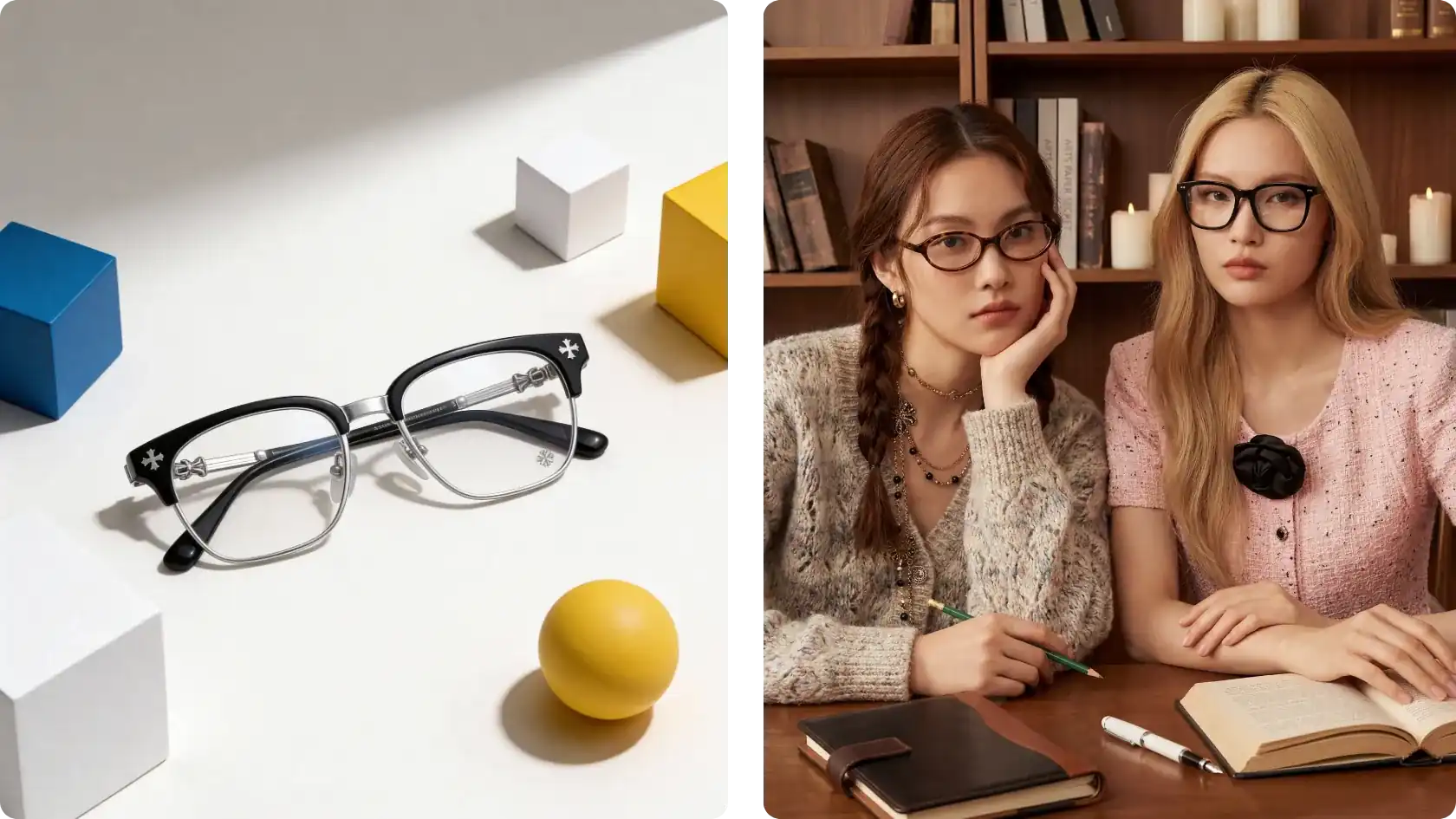
Branded Backgrounds on Demand
Generate clean studio backgrounds, lifestyle settings, or seasonal scenes that match your brand aesthetic — without booking a location or a set.
Start FreeScale Your Entire Catalog
Whether you’re launching 50 SKUs or 5,000, our AI ensures every piece—from the first ring to the last handbag—maintains the exact same lighting, model distance, and high-end aes
Start Free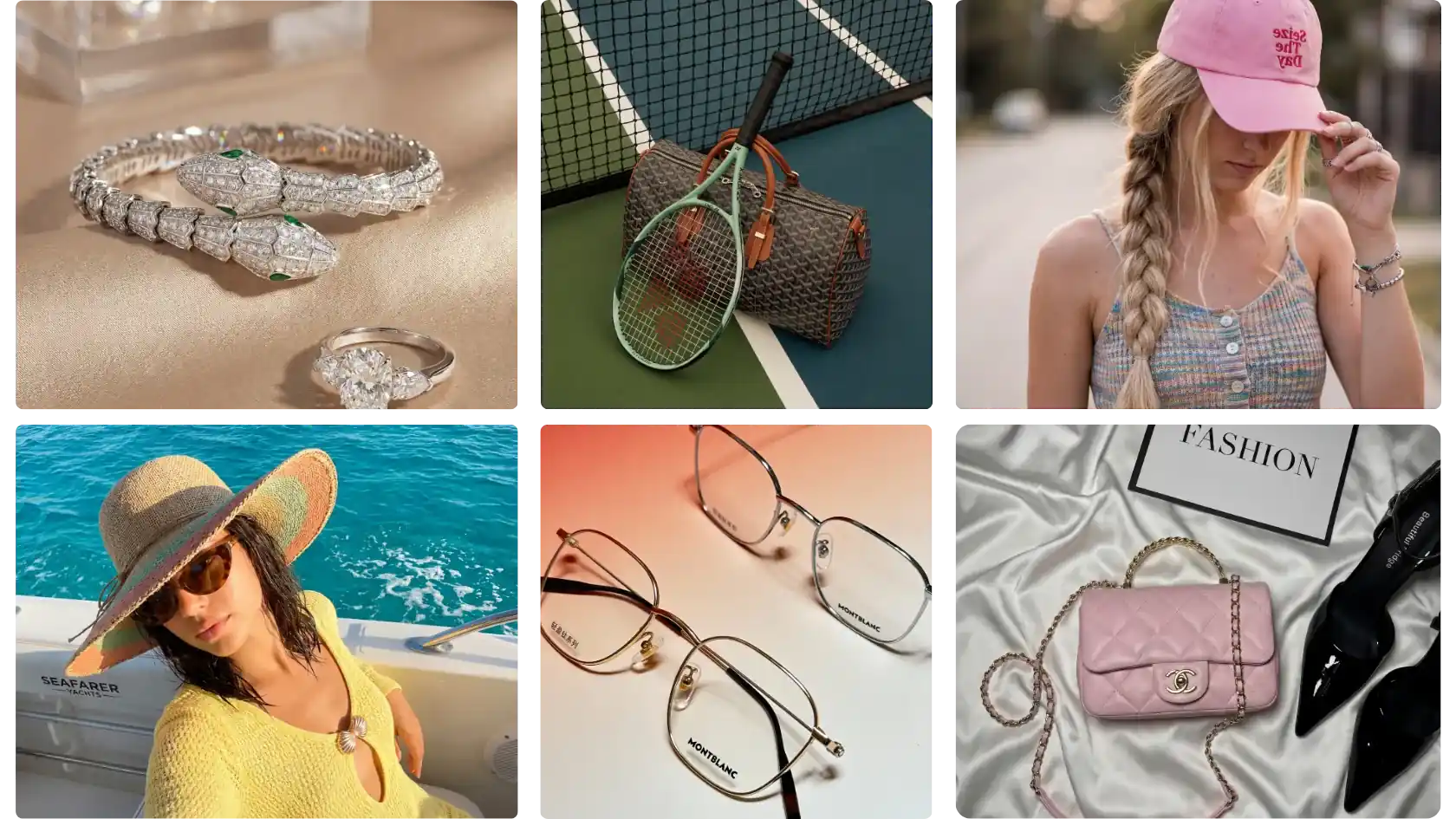
FAQs
1. How does the AI know where to place my accessory?
keyboard_arrow_down
2. Can I upload multiple photos of the same product?
keyboard_arrow_down
3. What if I want a specific model style, background, or mood?
keyboard_arrow_down
4. How long does it take to generate one image?
keyboard_arrow_down
5. What accessory types does it support?
keyboard_arrow_down
6. re the images commercially safe to use?
keyboard_arrow_down
Your Catalog Doesn't Have Time for Another Photoshoot.
Whether you're launching 10 SKUs or 10,000 — upload your accessory photos, let the AI handle placement, and get model-quality images in under a minute each.
Start FreeCopyright © 2026 iCreat.ai All right reserved.
الدفع الآمن: 